
How to write the solution slide in your pitch deck
Based on advice from Aaron Harris (Y Combinator), Kevin Hale (Y Combinator) · Updated 2 October 2026
Short answer
Explain what you do very clearly, in as few words as possible, and describe the concrete benefits you provide. That's Y Combinator's guidance for the solution slide, which comes right after the problem. YC partner Kevin Hale adds that a good slide expresses one idea, so cut anything that isn't needed to understand it.
What YC asks for
- Say what you do, very clearly.
- Use as few words as possible.
- Describe the concrete benefits you provide.
Keep it simple
Kevin Hale's advice for every slide:
- One idea per slide. Crowding a slide with several ideas is what makes it complicated.
- Remove information distractions. Each extra piece of information takes time to understand.
- Make the point explicit, so nobody has to study the slide to get it.
In your deck
Count the ideas on your solution slide. If there's more than one, split it or cut it.
Real examples

Airbnb (2008) · slide 3
Airbnb's solution in one line: a web platform where people rent out their space to travelers, with the benefits for guests and hosts.
See the whole Airbnb deck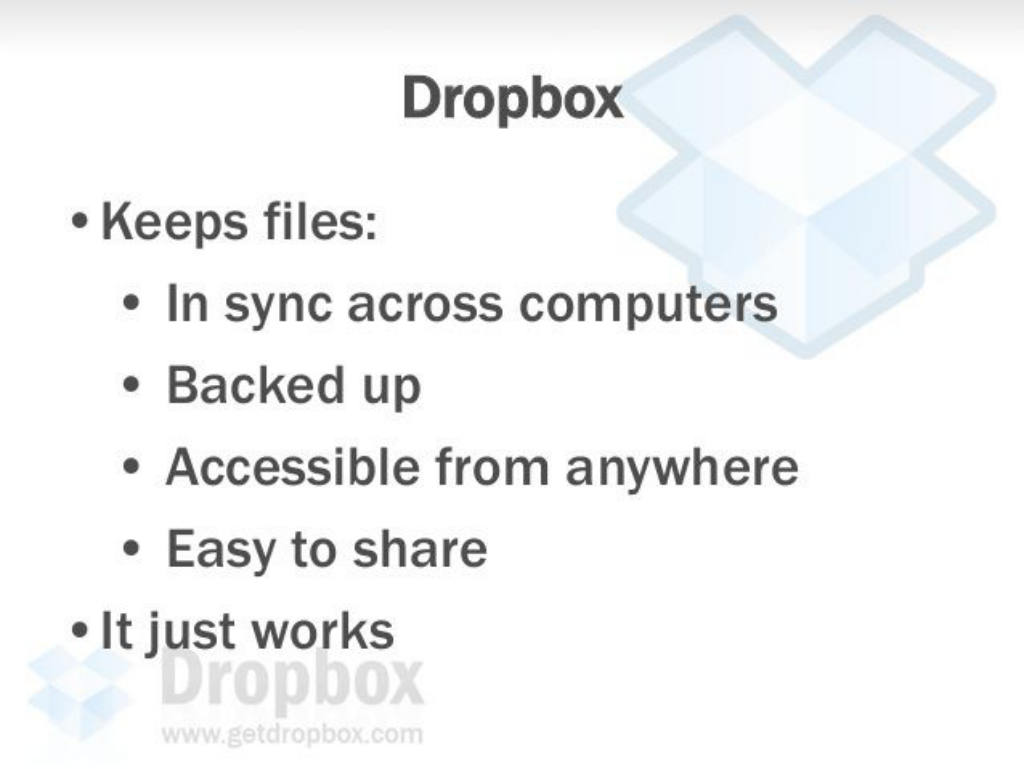
Dropbox (2007) · slide 6
Dropbox listed what the product does in plain words: files in sync, backed up, accessible anywhere and easy to share.
See the whole Dropbox deck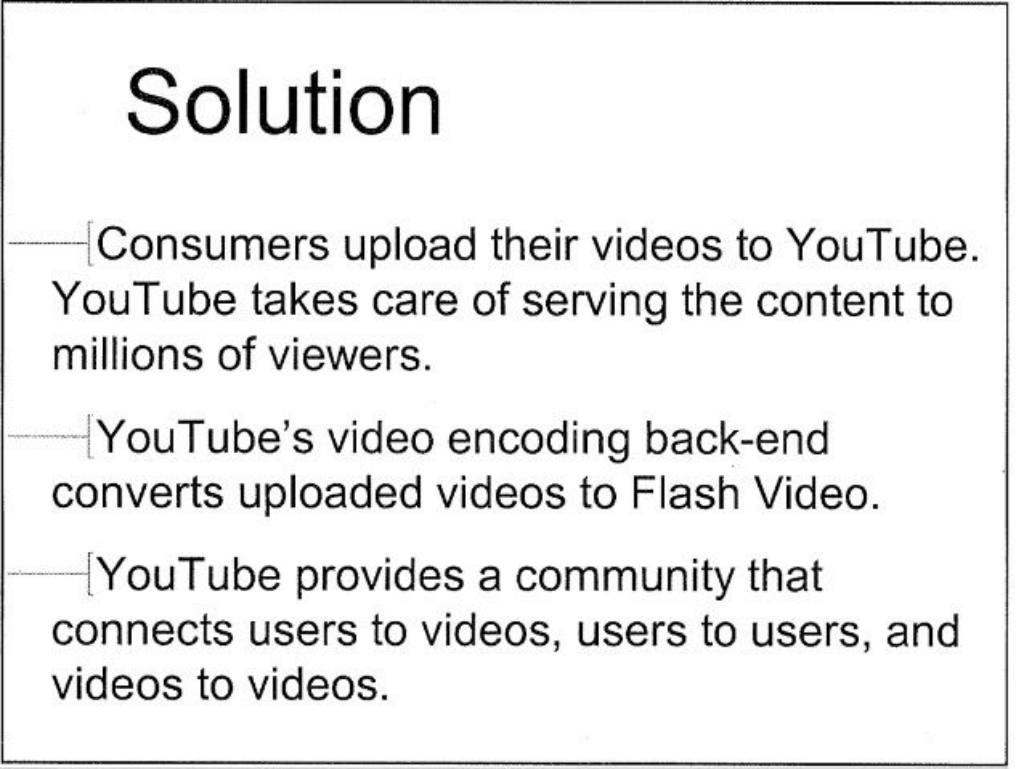
YouTube (2005) · slide 4
YouTube explained the whole product in one slide: people upload videos, YouTube converts and serves them to millions.
See the whole YouTube deck
Read the originals
- How to build your seed round pitch deck · Aaron Harris (Y Combinator)
YC's seed deck template, with what goes on each slide.
- How to design a better pitch deck · Kevin Hale (Y Combinator)
How to make each slide legible, simple and obvious.
Questions founders ask
- What goes on a pitch deck solution slide?
- What you do, explained very clearly in as few words as possible, and the concrete benefits you provide, as Y Combinator's seed template puts it.
- Should I show product screenshots on the solution slide?
- Only if they make the idea obvious. Kevin Hale's rule is one idea per slide and no information distractions.
- Where does the solution slide go?
- Right after the problem, in Y Combinator's seed template.
Get your deck reviewed the same way.
Comments on every slide, the words to change highlighted, and the 3 fixes that matter.
Keep reading
- How to write the problem slide in your pitch deck
What YC says goes on a pitch deck problem slide, Kevin Hale's six signs of a great problem, and how Airbnb and Uber framed theirs.
- How to make the traction slide in your pitch deck
What YC says goes on a pitch deck traction slide, with real examples from YouTube, Coinbase, LinkedIn and Uber, and benchmarks for good retention.
- How to build a seed pitch deck: YC's template, slide by slide
Y Combinator's seed deck template explained slide by slide: title, problem, solution, traction, insight, business model, market, team and the ask.
- How many slides should a pitch deck have?
Y Combinator's seed template points to 10 to 15 slides. What famous decks like Airbnb, Coinbase, Intercom and Uber actually used.